Local Development Environment Setup
Jupyter Notebook Setup
When you run docker-compose up, one of the included services is a Jupyter <https://jupyter.org>_ notebook instance that should start up on port 9999. The IP address will depend on how Docker was installed and set up on your machine. For Linux and Docker Desktop for Windows/Mac it is likely localhost. If you manually set up and start docker-machine, it will be the IP address of the VM running that machine (the IP address of the DOCKER_HOST value from the output of docker-machine env <your docker-machine name>). For convenience while developing locally, authentication is disabled (otherwise you'd have to track down the auth token in the docker-compose terminal output and copy and paste that in). So, once docker-compose up is actually up, you should be able to access the notebook server at:
http://localhost:9999
(substitute your IP address if using just docker-machine; it's typically 192.168.99.100).
You shoud see the project root:
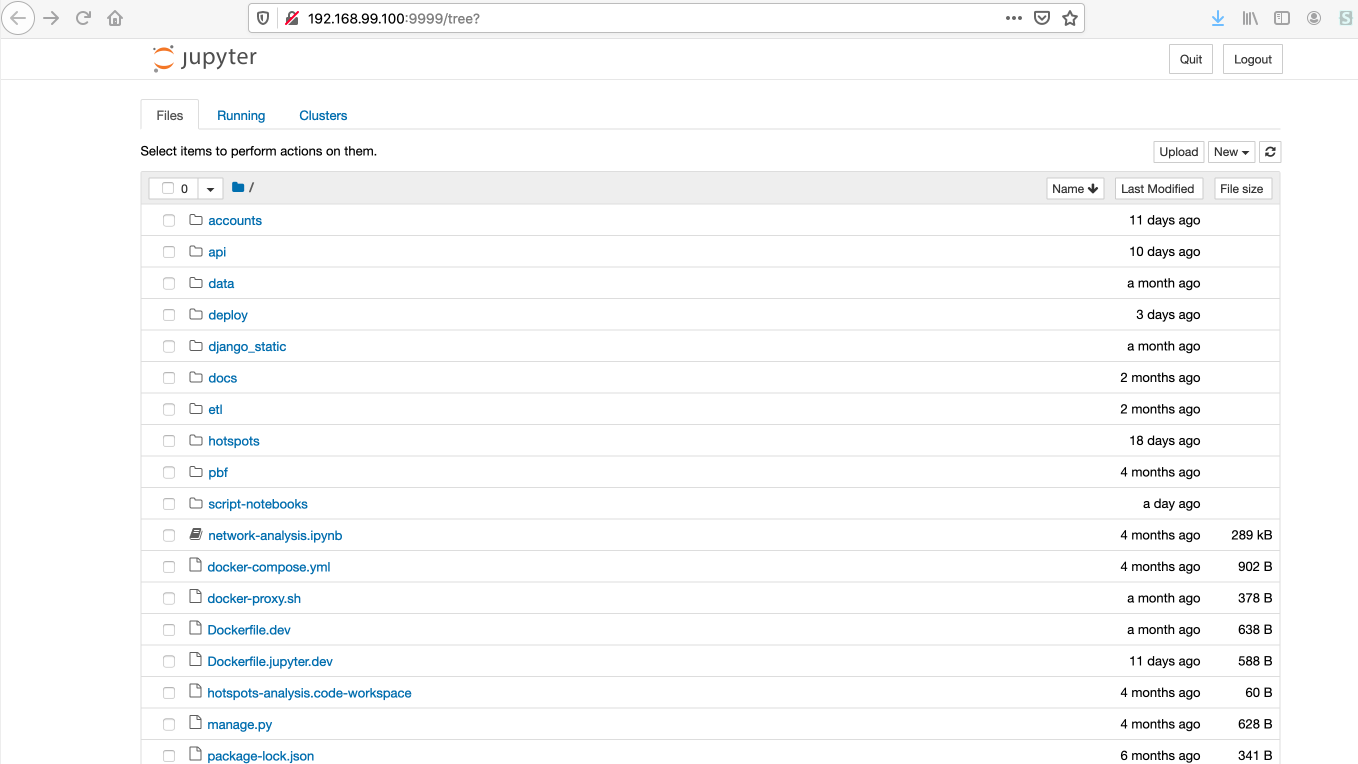
To keep things tidy, we try to keep notebooks in the script-notebooks folder. Click on a notebook to view/run/edit it. To create a new notebook, click the "New" dropdown in the top right, thenselect "Python 3" under "Notebook:"
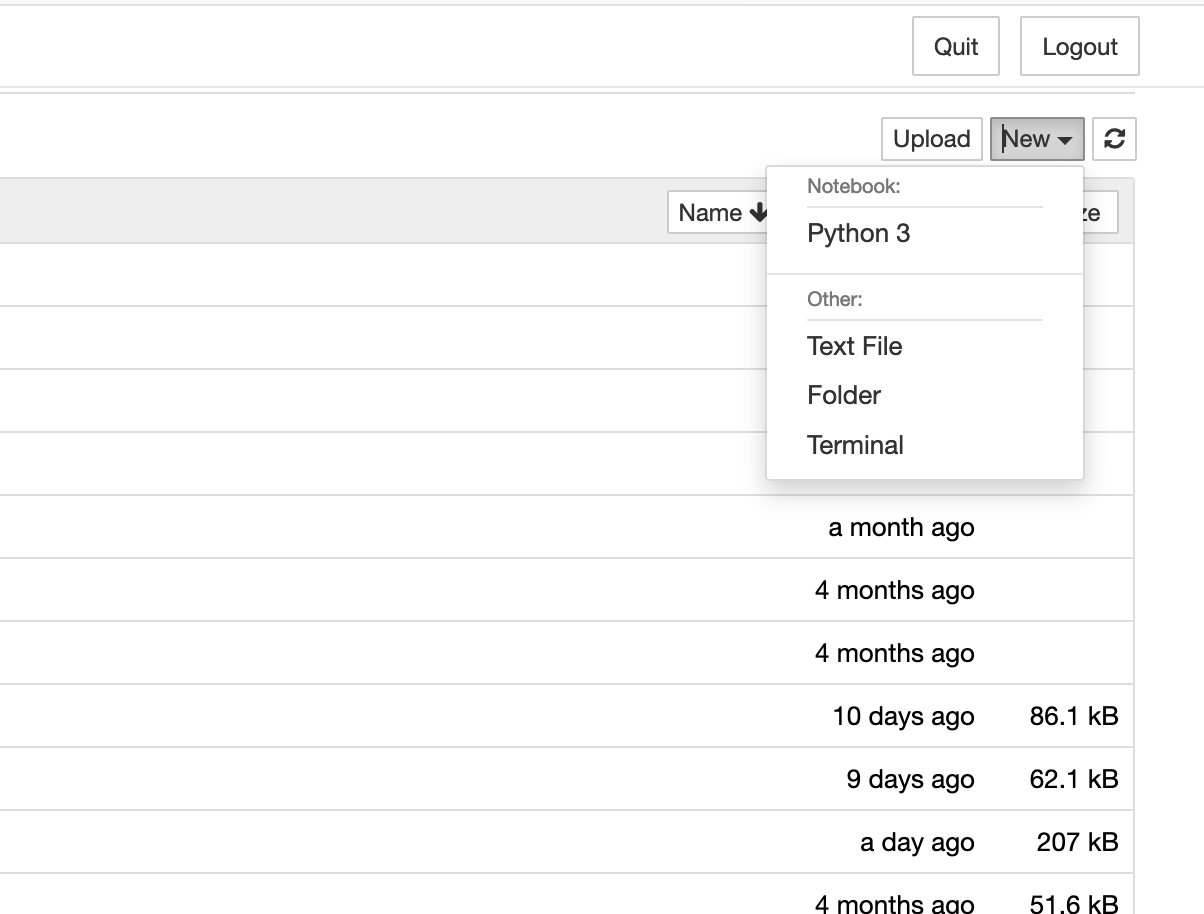
Since the Jupyter process exists outside of the Django environment, in order to import modules that make use of Django modules, you'll have to add some boilerplate at the beginning of every notebook:
import sys
sys.path.append('../')
import django
django.setup()
Obviously, if you create more folders you'll have to adjust the sys.path.append line to reflect the number of directories you need to go up to get to the project root (e.g., sys.path.append('../../') for a notebook in a subdirectory of script-notebooks. Now you can import modules from the Django codebase, such as:
from etl.scrapers import utils
utils.get_tagged_street_address('205 N Michigan Ave, Chicago, IL 60601')
{'street_number': '205',
 'street_pre_dir': 'N',
 'street_name': 'Michigan',
 'street_suffix': 'Ave',
 'locality': 'Chicago',
 'region': 'IL',
 'postal_code': '60601'}